Focus Timer
A calm rhythm for shoot-day edits.
The real, free timer opens on its own page, and it saves beautifully to your home screen.
01How it works
Work in focused blocks. Then actually stop.
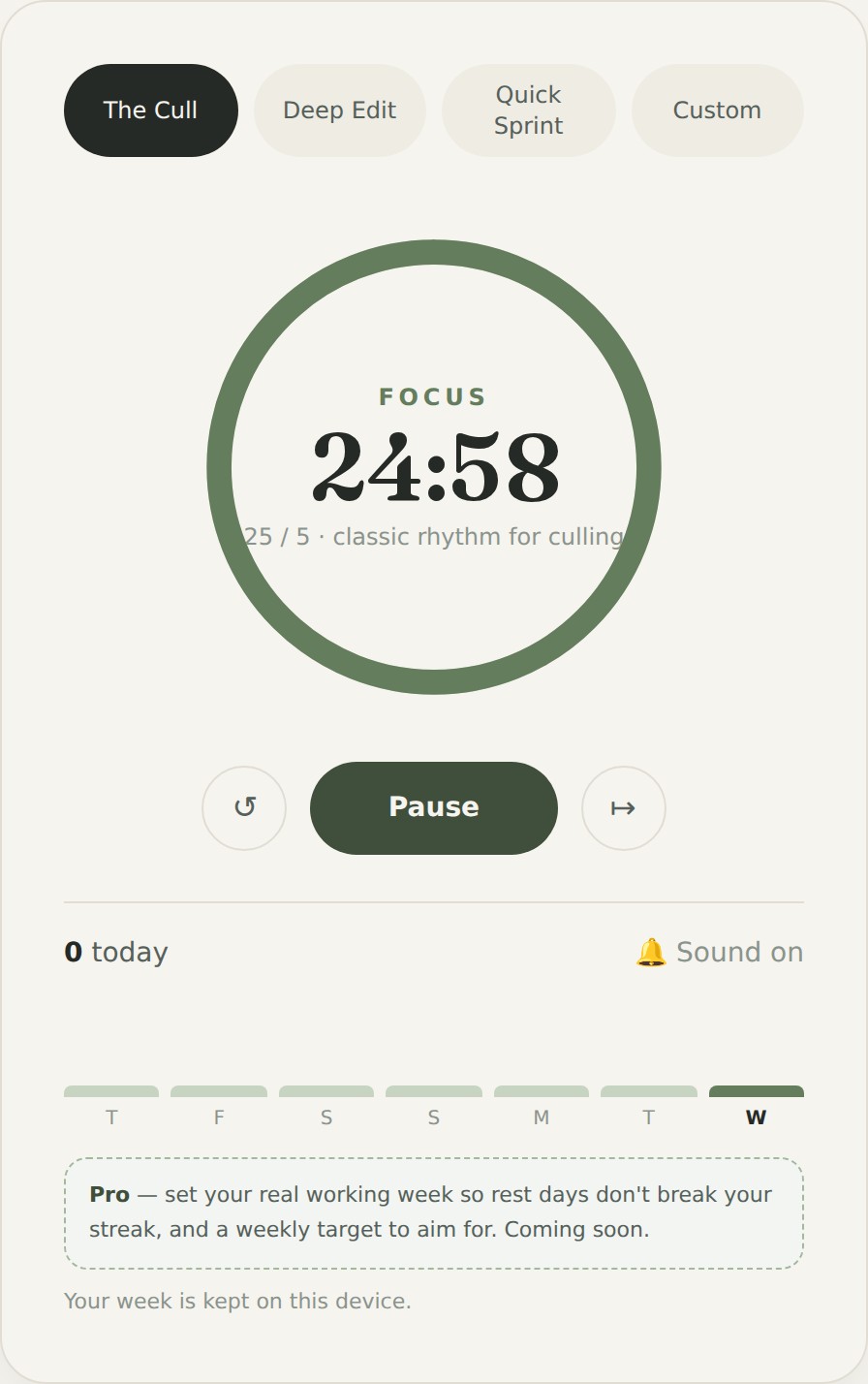
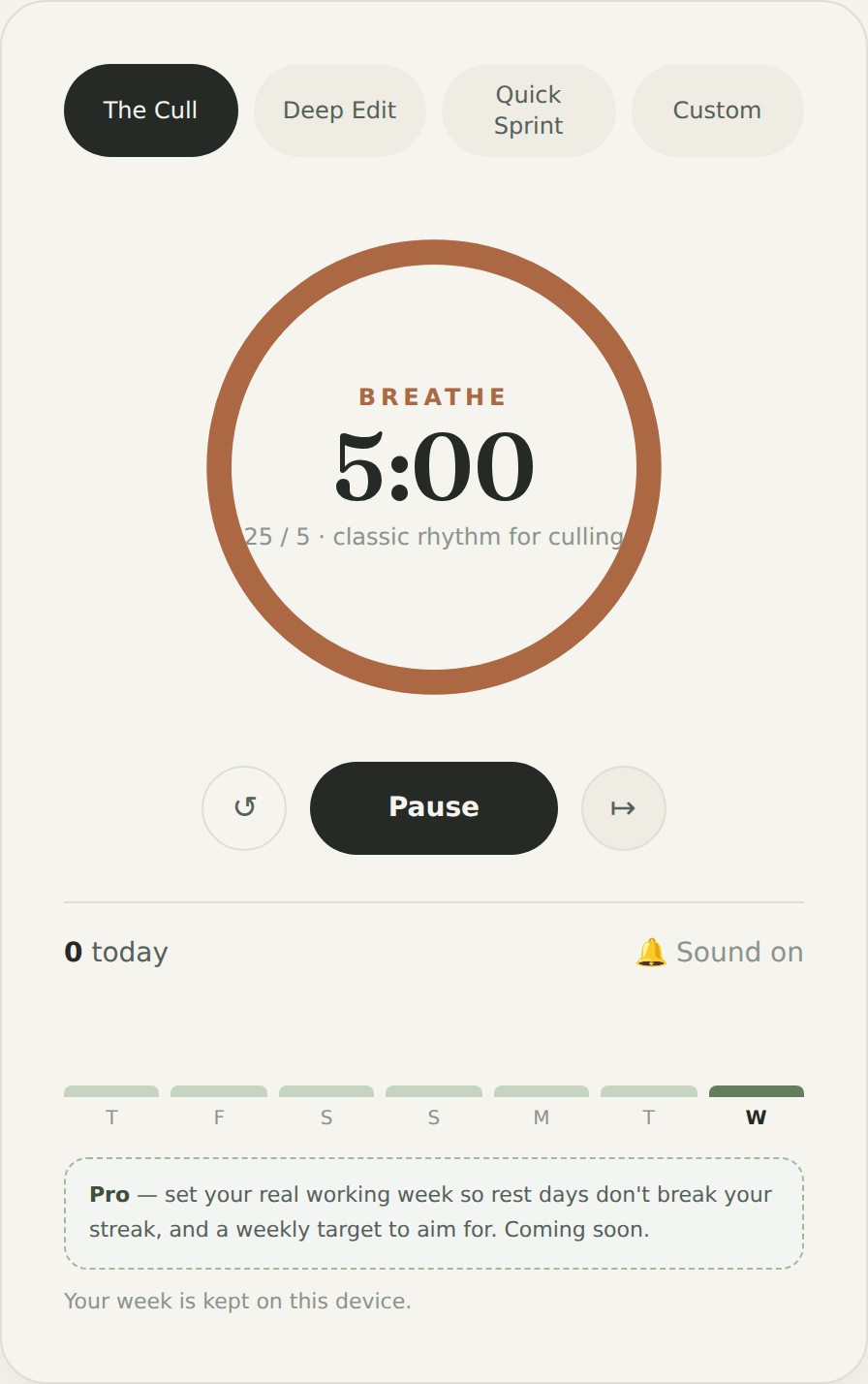
Pick a rhythm, press start, and work until the gentle chime. When a focus block ends, the timer flips to a short breather, and quietly counts the block you just finished.
It's the exact rhythm I use to get through a wedding cull without the dread: short, decisive bursts, with real pauses in between so I don't burn out by frame three hundred.
02What it does
Small on purpose.
Rhythms that fit the work
Presets tuned for real photography days, 25/5 for culling, 50/10 for deep editing, 15/3 for a burst, or set your own with Custom.
Calm, never jarring
Soft colours, a gentle chime, and a quiet count of your focus blocks. Nothing that yanks you out of flow.
Yours and private
It runs entirely in your browser. No account, no sign-up, and nothing ever leaves your device.
Sees your week
A quiet current streak and a seven-day glance, kept on your device, a gentle nudge to keep the rhythm going, never a productivity scoreboard.
03How it helps you
Momentum without the burnout.
The hardest part of editing isn't the work, it's starting, and knowing when to stop. A gentle rhythm takes both decisions off your plate, so you finish galleries faster and end the day with something left in the tank.
04Take it with you
Lovely on your phone, too.
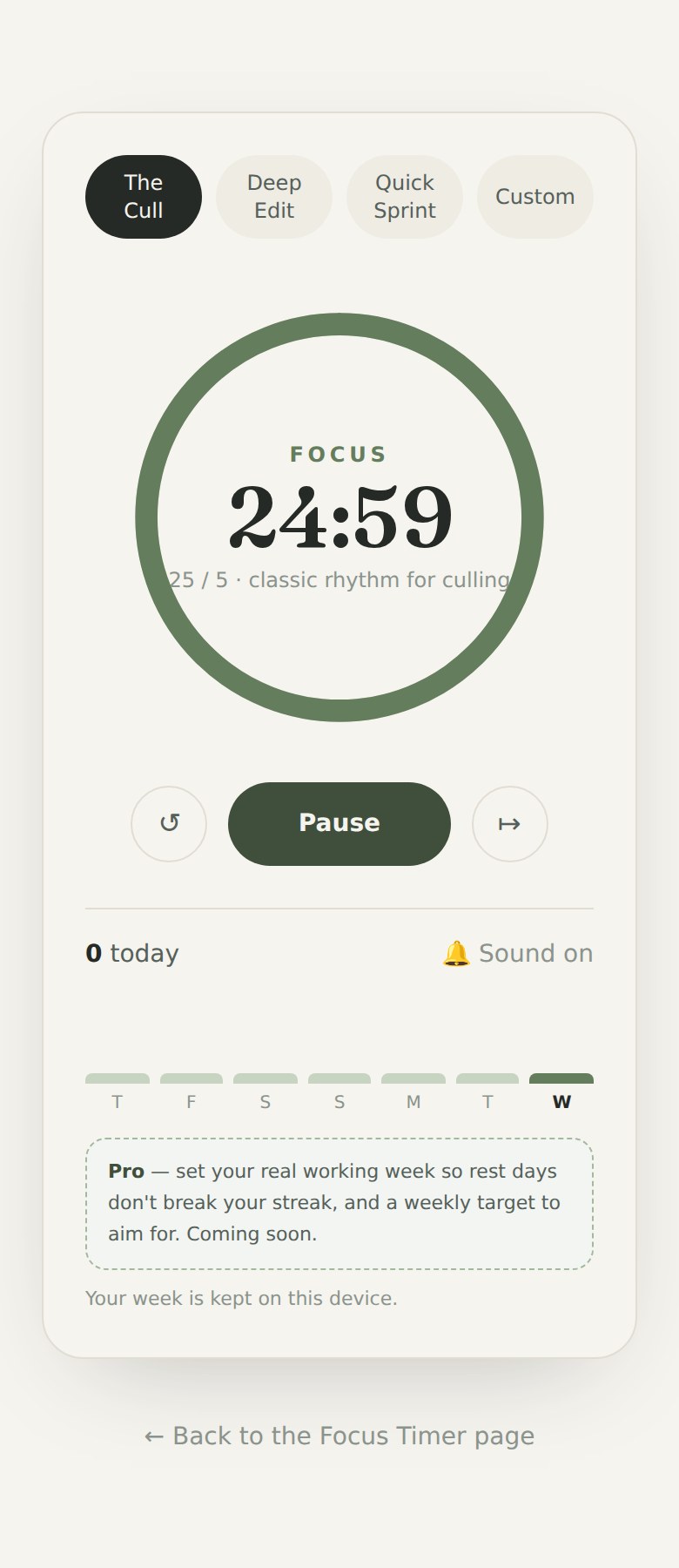
A lot of editing breaks happen away from the desk. For the best experience, open the full-screen version and save that to your home screen, it opens chrome-free, like a proper app, with its own icon.
On iPhone: open the full-screen timer in Safari, tap the Share button, then Add to Home Screen.
On Android: open the full-screen timer in Chrome, tap the ⋮ menu, then Add to Home screen (or “Install app”).
Saving the full-screen version is the trick, that's the one that feels genuinely like an app.
05Getting started
There's nothing to install.
- 1Tap 'Open the Focus Timer', it opens full-screen in its own page. Press Start and you're away.
- 2Add that full-screen page to your home screen, so the timer's one tap away next edit day.
- 3Pick the rhythm that suits the task, and let the chime tell you when to pause.
06Behind the build
A few things I thought about.
- I wanted it calm above all, a timer that reduces stress, not one that nags. So the colours are soft and the chime is a single gentle tone.
- No accounts for the free beta. The quickest way to make a tool feel heavy is to force a sign-up, this just works the moment you open it.
- Where to draw the Pro line. The free beta gives a real taste: a simple streak and your week, kept on your device. The deeper stuff that makes it properly yours (your real working week, weekly targets, syncing everywhere, full history) is what Pro is for. I didn't want to cripple the free tool, just to keep something worth paying for.
- Streaks should fit real life. Most of us aren't at a desk seven days a week, so 'set your working week' (a Pro feature) means rest days never break your streak, no guilt for having a life.
- It's built to feel at home on a phone, and to be 'added to your home screen' so it opens like a proper app, because that's where a lot of editing breaks actually happen.
07Where it could go
Ideas for future versions.
This free beta does one thing well. Here's what a future version, or a paid Pro, might add. Your feedback shapes which of these actually happen.
Sync everywhere (Pro)
A light magic-link login, pop in your email, click the link, and your rhythm follows you from laptop to phone. No password to remember.
Your working week (Pro)
Tell it which days you actually work, so rest days never break your streak. Streaks that fit your real life, not a desk-every-day assumption.
Weekly targets (Pro)
Set a gentle goal, say, ten focus blocks a week, and build your streak by hitting it. Aim, not pressure.
Keep it forever & see your patterns (Pro)
Full history that never resets, plus gentle graphs of when you focus best, insight, never a scoreboard.
Your own presets (Pro)
Build and name your own rhythms, like a 10/2 'Email Bash' or your perfect edit block, and save them to your account. Your buttons, your way.
Projects & jobs (Pro)
Start a project for a wedding (pop in the couple's names) or a recurring job like 'Emails', set the day's target, say three culls then two deep edits, and track your focus against it.
Ambient sounds
Optional rain, café or fireside audio to settle into a session, for everyone.
Help me make it better.
This is an early, free beta and I'd genuinely love your thoughts, what feels good, what's missing, what you'd pay for in a Pro version. Tell me and you'll shape where it goes.